Morning
The kitchen lights come up softly, shades open where you want daylight, and music starts in the rooms you use first.

Lighting, shades, climate, music, security and WiFi working quietly in the background — designed, installed and supported by one team.
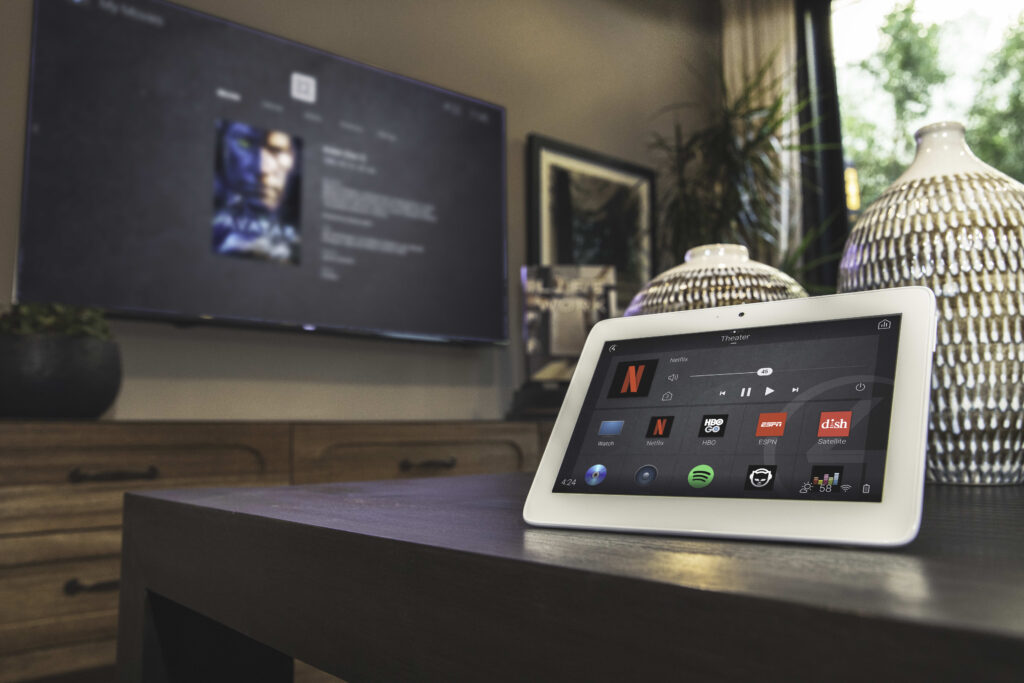
Evening scene control detail
A good smart home does not ask your family to manage more technology. It quietly handles the moments that happen every day.
The kitchen lights come up softly, shades open where you want daylight, and music starts in the rooms you use first.
One tap turns off selected lights, lowers shades, checks locks and puts the home into a cleaner away state.
Lighting warms down, exterior areas come on, the temperature settles and the house feels ready before you ask.
The room dims, the audio switches, the display wakes and the remote becomes simple enough for everyone.
Professional smart home installation is the design, wiring, device setup and programming that make lighting, audio, shades, security and WiFi work as one system from a single interface. As an Authorized Control4 Dealer, we plan the control experience first, then install and support it as one team.
A smart home should not depend on a drawer full of remotes or a phone full of apps. We design the control experience first, then build the lighting, audio, shades, security and network around it.
Every keypad, scene and device has a reason.
The system should make sense to guests, kids and everyday routines.
Changes, additions and service stay with the team that built it.
The best smart home is the one your family stops thinking about.
When walls are open, we can usually give the home cleaner wiring, more options and fewer retrofit compromises later. We can plan wiring, keypad locations, speakers, shades, network points and equipment spaces before finishes go in.
A full renovation is not always required. Finished homes can often be upgraded with a careful mix of wireless devices, clean wiring routes and practical retrofit planning around what is already built.
The best automation is not the part people talk about. It is the part they stop thinking about — lights that make sense, rooms that start correctly, music where it belongs, and a network that does not become the weak point.
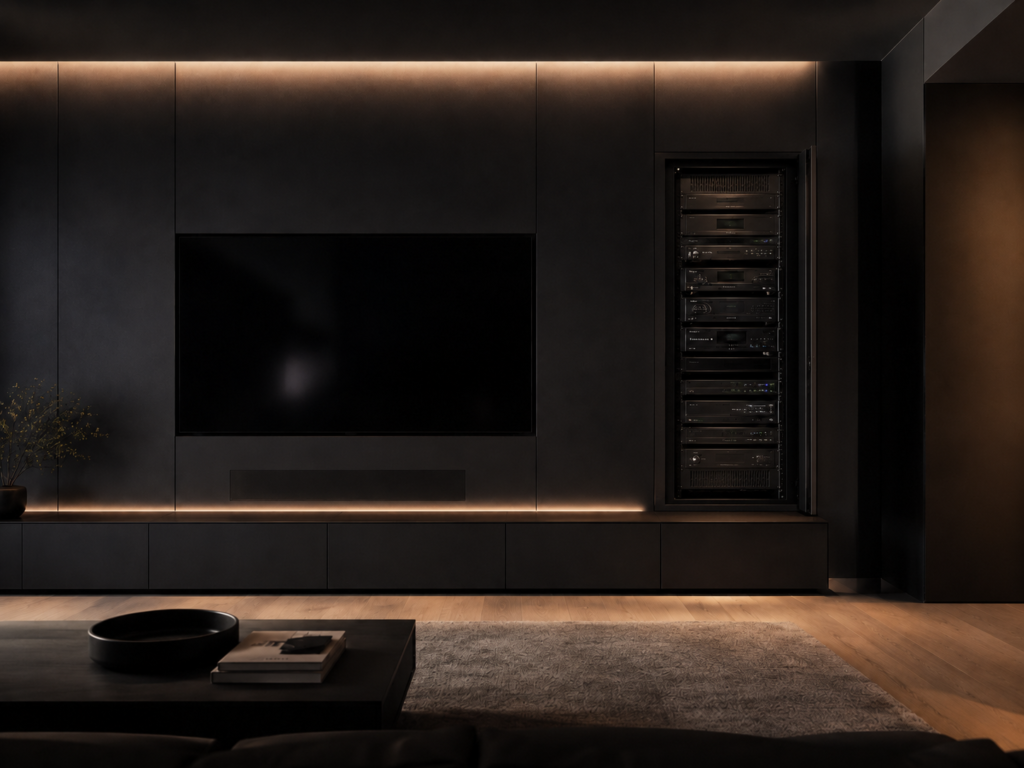
Whole-home automation detail
Client outcome: One control experience instead of separate apps, remotes and disconnected systems.
We walk the home, understand the routines, and learn what should feel easier.
Rooms, scenes, controls, wiring and network planning are mapped before installation.
Devices, wiring, racks and controls are installed cleanly and tested room by room.
Scenes are tuned, users are set up and the household is shown how everything works.
Changes, additions and service stay with the team that built the system.
DIY smart plugs and voice assistants are fine for one or two rooms. A whole-home smart home installation — many devices, mixed brands, reliable scenes the whole family can use — is a different build. That is where a professional installer earns the difference.
Not sure which side of that line you are on? Our guide on Control4 vs a DIY smart home walks through the honest tipping points where a professional system starts to pay for itself.
Smart home installation is priced by scope: rooms, wiring, lighting, shades, audio, security integration, network and programming. A consultation gives you a real number for your home instead of a guessed package price.
Smart home installation is priced by scope: rooms, wiring, lighting, shades, audio, security integration, network and programming. A consultation gives you a real number for your home instead of a guessed package price.
Timeline: A single-room setup can be quick, while a whole-home system is usually planned in phases. During your consultation we map a realistic timeline for your project.
For a full breakdown of what moves the price, see how much a Control4 system costs in Canada.
For whole-home automation, Control4 is often the platform we design around as an authorized dealer — giving the home one coordinated control experience instead of a mix of apps. See our Control4 page for the platform itself.
Yes. Many clients begin with lighting, a media room or security, then grow into shades, climate and full-home control. We design the first phase so it does not limit the next one.
Many core functions can continue locally when designed that way, while remote access and cloud-connected features depend on your internet connection.
Yes. Cameras, locks and smart alarm systems can be planned into the same smart home experience where the equipment and project design support it.
Before drywall if possible. Prewiring during renovation is usually the cleanest and most cost-efficient time to plan automation.
It depends on rooms, devices, wiring, finish level and programming scope. A consultation gives you a real number for your home instead of a guess.
A smart home is one where devices — lights, shades, locks, cameras, audio — can be controlled from your phone or a keypad. Home automation is the next step: those devices acting together from a single tap or schedule, instead of you managing each one by hand.
For a few devices in one room, no — DIY is fine. For a whole-home system where many devices work as one reliable interface, a professional smart home installation saves you from mismatched apps, dropped devices and rework. As an Authorized Control4 Dealer we design, install and support it as one system.
A single-room setup can be quick, while a whole-home system is usually planned in phases. During your consultation we map a realistic timeline for your project.
Yes. Cameras, locks and smart alarm systems can be planned into the same smart home experience. Monitoring options can be arranged depending on the property and requirements — we'll cover this during your consultation.
Tell us how the home should feel, then we will plan the lighting, audio, shades, security and network around that experience.