Displays & projection
Sized to the room and the farthest seat.
Explore audio & video installation →
Conference room AV designed for reliability — displays, audio, video calls and control that work every single meeting.
Sized to the room and the farthest seat.
Explore audio & video installation →Ceiling and table audio tuned so both ends hear everything.
Whole-space audio solutions →Purpose-built Teams, Zoom or Google Meet room systems that join calls natively — no laptop juggling.
Plan your meeting room →Any laptop, any guest, sharing in seconds.
Book a consultation →A panel that runs the whole room: display, call, volume, shades.
See Control4 one-touch control →Everything labelled, concealed and serviceable.
Network cabling & WiFi →A display, a soundbar-class system and one cable or none.
Purpose-built video systems, ceiling audio, wireless share.
Multi-display, tuned audio DSP, touch control, integrated lighting and shades.
Projection, voice lift and streaming for hybrid audiences.
Common starting point: A boardroom people dread booking — cable spaghetti on the table and calls the far end can't hear.
What we do: Purpose-built video room system, ceiling mics, one-touch panel, concealed cabling.
The outcome: Meetings start on time and the room finally matches the company.
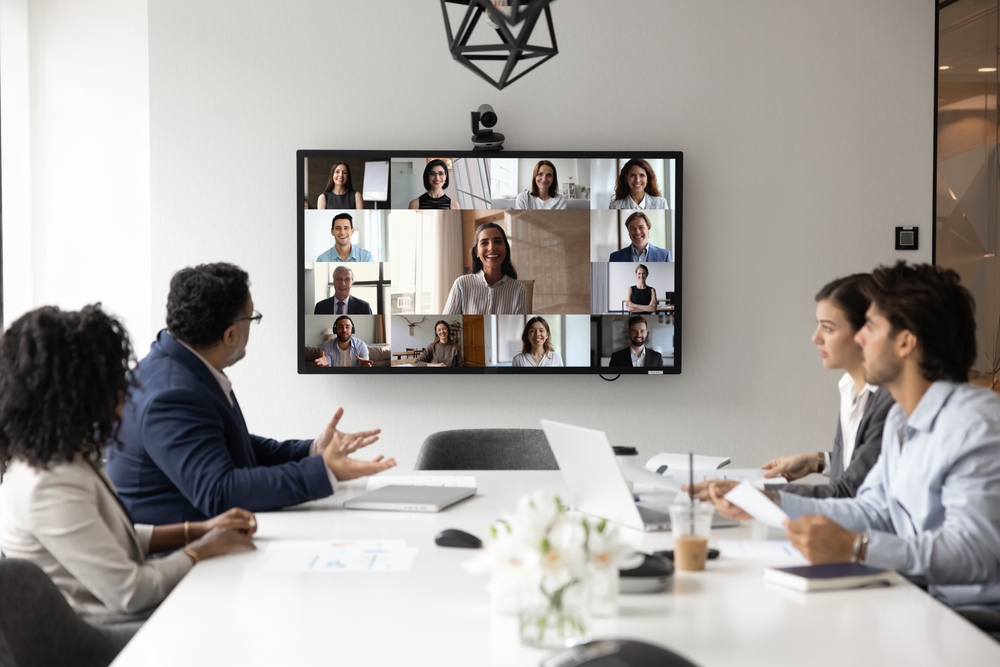
A typical boardroom job for us: a purpose-built Teams or Zoom room system, ceiling microphones positioned so every seat is picked up cleanly, a display sized to the farthest chair, and a single touch panel that starts the meeting. The cabling runs back to a labelled rack, so the next person who services the room can actually find things.
View our work →
We test your current room and identify exactly what fails.
Scenes, rooms, devices and the network are planned as one system.
Clean mounting, labelled wiring and everything tested room by room.
Scenes tuned, users set up and everyone shown how the system works.
Changes, additions and updates handled by the team that built it.
Whichever your organization lives in daily; purpose-built systems exist for both (and Meet), and rooms can be designed to handle guests on other platforms.
Often, yes — sometimes the displays are fine and the audio or control is the failure; the assessment tells you before you spend.
Yes — wireless presentation and standard connections are designed in for visitors.
We schedule the work around your meetings, using evenings or off-hours where a room is in constant use, so the space is ready to book again with as little downtime as possible.
It ranges by room size and tier — huddle rooms to executive boardrooms; the assessment produces a written plan with a real number.
Yes — the team that built it supports it, including changes as platforms update.
Book an assessment — we test what's failing in your room and give you a written plan to fix it.