
Business Security Cameras: How to Plan a Commercial System for Offices, Retail & Warehouses
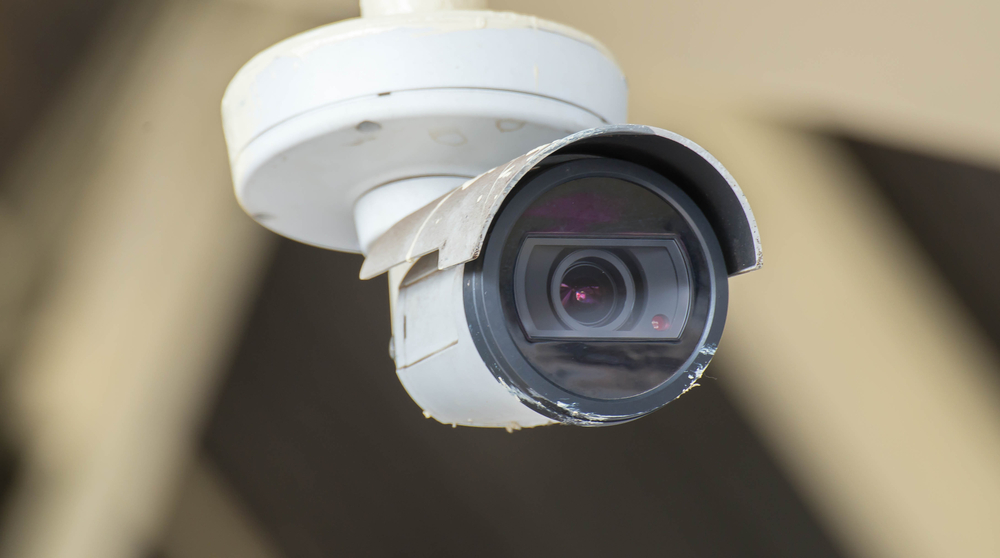
A business security camera system isn’t a home setup with more cameras — it’s designed around risk and how the place actually runs. A retail floor, a busy restaurant and a warehouse with a loading dock all fail in different spots, so “how many cameras does a business need” has no fixed answer. It comes from the entrances, tills, docks, aisles and blind corners that matter on your site. Here’s how commercial security cameras are planned — how many, where they go by business type, which cameras to choose, and what moves the cost — from the team that installs them across Brampton, Mississauga and the GTA.
How business security cameras differ from a home setup
Home cameras mostly answer “who came to the door.” A business system is asked to do more, and that changes the design:
- Accountability, not just alerts — cash handling, stockroom access and staff areas need clear, identifiable footage, not a shape moving in the dark.
- Longer retention — a slip-and-fall claim or a shrinkage investigation can surface weeks later, so businesses usually keep far more footage than a home does.
- Uptime matters — a camera that’s offline because a battery died isn’t acceptable when it’s watching a till or a dock, which is why commercial jobs lean on wired PoE (Power over Ethernet).
- It rarely stands alone — commercial cameras are usually designed alongside access control and alarms so events connect: a door opening has a face and a timestamp.
- Multi-site and roles — an owner or head office often needs to see several locations from one app, with the right access per manager.
How many security cameras does a business need?
Count coverage points, not cameras. Walk the site and mark every spot where money, inventory, people or a door needs a clear record — the camera count falls out of that list. For most commercial and industrial sites, the points that earn a camera are:
- Every entrance and exit — front door, staff entrance, emergency exits and delivery doors, framed to capture faces at a usable height.
- Point of sale and cash handling — tills, back-office safes and count areas, where accountability matters most.
- Receiving and loading docks — where goods move in and out is where loss and disputes happen.
- Stockroom, racking and high-value inventory — interior coverage of what’s worth taking.
- Perimeter, yard and parking — approaches, fence lines and vehicle areas, with plate-capture at gates where it’s justified.
- Aisles and blind corners — long sightlines through a warehouse or a store floor, with overlapping fields of view so there’s no blind seam.
- Server, electrical and utility rooms — the spaces a business can least afford to have tampered with.
A small storefront might land at four to six cameras; a warehouse with a yard can run well into the double digits. Neither number means anything until someone has walked the space — which is exactly what a commercial assessment is for.
Where to place cameras, by business type
The right placement depends on how the space is used. These are the priorities we design around most often:
Retail
Cover the storefront and every entrance, each POS station straight-on (not from behind), the stockroom door, and high-theft aisles. Add opening/closing views so the first and last person in the building is always on record.
Offices
Discreet coverage of reception and entry points, server and records rooms, and shared corridors — while respecting privacy on the meeting floor and in any space staff expect to be private. Access control usually does more here than extra cameras.
Restaurants
Front of house and the entrance, the till and bar, the kitchen pass and back door for deliveries, and the dry/cold storage. Cash handling and after-close arming are the recurring themes.
Warehouses & industrial
This is where camera count climbs. Cover every dock door and the yard, the main racking aisles end to end, pedestrian and forklift routes, the shipping/receiving desk, and the perimeter. Plate-capture at the gate and good low-light performance across a dark yard usually earn their place. Height and glare matter more here than anywhere — long interior runs need cameras aimed to read faces and labels, not just tops of heads.
Choosing the right commercial cameras
“Which camera” is really a set of small decisions matched to each spot:
- Fixed dome / turret / bullet — the workhorses for a defined view: a door, a till, an aisle. Vandal-rated housings where they’re within reach.
- PTZ (pan-tilt-zoom) — for large open areas like a yard or warehouse floor where one operator may want to follow activity. They complement fixed cameras rather than replace them — a PTZ looking one way can’t record another.
- Licence-plate capture (LPR) — a camera set specifically for plates at a gate or entrance, which is a different setup from a general overview camera.
- Resolution vs storage — higher resolution reads detail but multiplies storage; it’s chosen per view, not blanket-applied.
- Recorder and management — an NVR for a single site, or a video management system (VMS) when several locations are viewed together.
- Analytics — person and vehicle detection, line-crossing and zone alerts cut down the footage a manager has to review, which matters more on a busy commercial site than at home.
All of it runs on the network, so the cabling and switching underneath — the structured cabling and PoE layer — is part of a camera job, not an afterthought.
What drives commercial security camera cost
There’s no single price, because a four-camera storefront and a multi-dock warehouse aren’t the same job. These are the factors that move a commercial quote:
| Cost driver | Why it moves a commercial quote |
|---|---|
| Number of coverage points | More entrances, tills, docks and aisles means more cameras and more cabling. |
| Camera types | PTZ and plate-capture cameras cost more than fixed cameras and are added only where they earn it. |
| Cable runs across the site | The biggest site-to-site variable — a run across an open warehouse or out to a gate is a different job than one to a nearby wall. |
| Recorder, storage & retention | Longer retention across many cameras multiplies drive space and is a real line item. |
| Analytics & management software | Smart detection and multi-site VMS add capability and cost. |
| Environment | Outdoor, wash-down or industrial areas need tougher, weather- and vandal-rated housings. |
| Integration | Tying cameras to access control and alarms as one system adds scope but removes the seams. |
| Sites & roles | Head-office viewing across locations and per-manager access take extra setup. |
Rather than publish a per-camera band that may not fit your building, we quote a real number after a site walk. For the underlying pricing logic — per-camera hardware plus the shared recorder, storage and network, plus labour driven by the cabling — our security camera cost and placement guide breaks it down the same honest way.
Cameras as the core of a wider system
Most commercial jobs start with the cameras — coverage is what businesses ask for first — and the rest is built around that layer. Access control puts a face and a timestamp on every door; smart alarms add verified detection after hours; and the network ties it together so an alarm event can pull the right camera view. Designing them together, from one team, is what keeps security from failing at the seams. If that’s the direction you’re headed, our commercial security systems page shows how the layers connect.
On the question owners always ask next: monitoring options can be arranged depending on the property and requirements — we’ll cover this during your consultation.
Frequently asked questions
How many security cameras does a business need?
It’s set by coverage points, not a fixed number. Count every spot that needs a clear record — entrances and exits, each point of sale, receiving and loading docks, stockroom and high-value inventory, the perimeter and parking, and blind corners — and the camera count comes from that list. A small storefront may need four to six; a warehouse with a yard can need many more. A site walk turns it into a real number for your building.
Where should security cameras go in a warehouse?
Prioritise every dock door and the yard, the main racking aisles end to end, forklift and pedestrian routes, the shipping and receiving desk, and the perimeter and gate — with plate-capture where vehicles enter. Aim cameras to read faces and labels rather than the tops of heads, overlap adjacent views so there’s no blind seam, and plan for low light across a dark yard.
What’s the difference between business and home security cameras?
A business system is built for accountability and uptime, not just alerts: longer footage retention, wired PoE cameras that don’t drop offline, coverage of tills, docks and inventory, and usually integration with access control and alarms. Home systems can be lighter — a couple of key views and app alerts. The design priorities, retention and reliability targets are what differ, more than the cameras themselves.
How long should a business keep camera footage?
Many businesses keep 30 days or more, because incidents and claims often surface well after the fact. Some industries or insurers set a minimum, so it’s worth confirming yours before sizing storage — retention is a bigger driver of recorder and drive cost than most people expect, so it’s a decision to make up front rather than after the system is installed.
Can head office view multiple locations from one place?
Yes. Multi-site viewing and centralized management are standard designs — several locations in one app, with the right level of access per manager. It takes a little more setup, which is why it’s planned into the design rather than bolted on later.
Is monitoring included?
Monitoring options can be arranged depending on the property and requirements — we’ll cover this during your consultation. Cameras and an alarm work on their own with app alerts; whether you add anything beyond that is a decision to make with the full picture in front of you.
When you’re ready for a real plan and a real number, our security camera installation team designs commercial and industrial coverage across the GTA — and if you want cameras, access control and alarms working as one, see how commercial security systems tie the layers together.
Ready to plan your project?
Tell us what you want to build, fix or upgrade — a Techspirit Solutions specialist will help.